Create a cluster (mode disabled cluster)
Create a cluster (cluster mode disable)
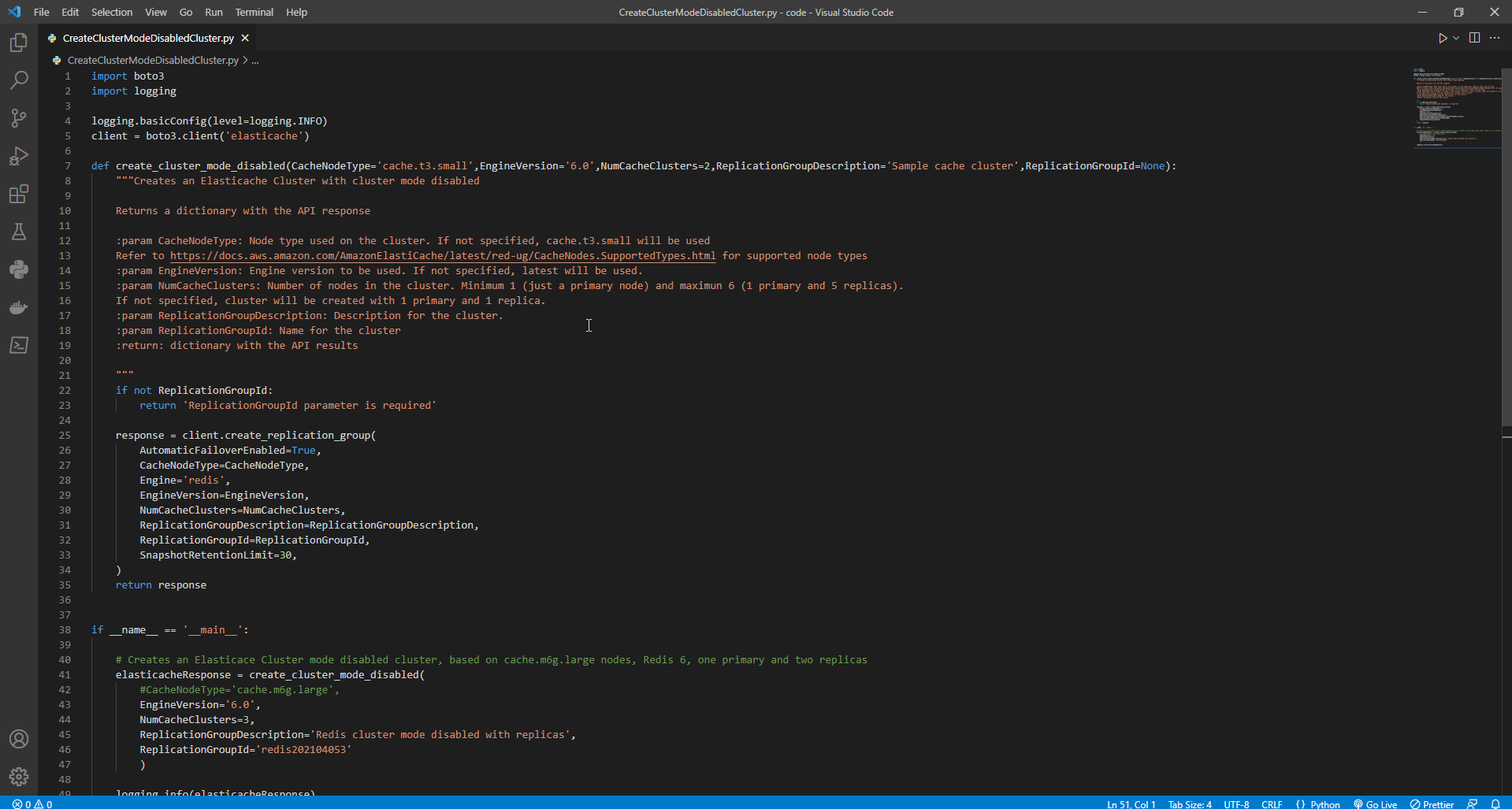
- Create python file CreateClusterModeDisabledCluster.py
- Copy the following program and paste it into the CreateClusterModeDisabledCluster.py file.
import boto3
import logging

logging.basicConfig(level=logging.INFO)
client = boto3.client('elasticache')

def create_cluster_mode_disabled(CacheNodeType='cache.t3.small',EngineVersion='6.0',NumCacheClusters=2,ReplicationGroupDescription='Sample cache cluster',ReplicationGroupId=None):
    """Creates an Elasticache Cluster with cluster mode disabled

    Returns a dictionary with the API response

    :param CacheNodeType: Node type used on the cluster. If not specified, cache.t3.small will be used
    Refer to https://docs.aws.amazon.com/AmazonElastiCache/latest/red-ug/CacheNodes.SupportedTypes.html for supported node types
    :param EngineVersion: Engine version to be used. If not specified, latest will be used.
    :param NumCacheClusters: Number of nodes in the cluster. Minimum 1 (just a primary node) and maximun 6 (1 primary and 5 replicas).
    If not specified, cluster will be created with 1 primary and 1 replica.
    :param ReplicationGroupDescription: Description for the cluster.
    :param ReplicationGroupId: Name for the cluster
    :return: dictionary with the API results

    """
    if not ReplicationGroupId:
        return 'ReplicationGroupId parameter is required'

    response = client.create_replication_group(
        AutomaticFailoverEnabled=True,
        CacheNodeType=CacheNodeType,
        Engine='redis',
        EngineVersion=EngineVersion,
        NumCacheClusters=NumCacheClusters,
        ReplicationGroupDescription=ReplicationGroupDescription,
        ReplicationGroupId=ReplicationGroupId,
        SnapshotRetentionLimit=30,
    )
    return response


if __name__ == '__main__':

    # Creates an Elasticace Cluster mode disabled cluster, based on cache.m6g.large nodes, Redis 6, one primary and two replicas
    elasticacheResponse = create_cluster_mode_disabled(
        #CacheNodeType='cache.m6g.large',
        EngineVersion='6.0',
        NumCacheClusters=3,
        ReplicationGroupDescription='Redis cluster mode disabled with replicas',
        ReplicationGroupId='redis202104053'
        )

    logging.info(elasticacheResponse)
Result as shown
- To run the program, enter the following command on the Windows Command Prompt:
python CreateClusterModeDisabledCluster.py
If the program cannot run, use the following command:
python "CreateClusterModeDisabledCluster.py file path"
Create a cluster (cluster mode disable) with TLS and RBAC
- To ensure security, you can use Transport Layer Security (TLS) and Role-Based Access Control (RBAC) when creating a cluster (cluster mode disable). Unlike Redis AUTH, where all authenticated clients have full replication group access if their tokens are authenticated, RBAC allows you to control cluster access through user groups. These user groups are designed as a way to organize access to replication groups.
- Create a python file named ClusterModeDisabledWithRBAC.py
- Copy the following program and paste it into the file named ClusterModeDisabledWithRBAC.py.
import boto3
import logging

logging.basicConfig(level=logging.INFO)
client = boto3.client('elasticache')

def create_cluster_mode_disabled_rbac(CacheNodeType='cache.t3.small',EngineVersion='6.0',NumCacheClusters=2,ReplicationGroupDescription='Sample cache cluster',ReplicationGroupId=None, UserGroupIds=None, SecurityGroupIds=None,CacheSubnetName):
    """Creates an Elasticache Cluster with cluster mode disabled and RBAC

    Returns a dictionary with the API response

    :param CacheNodeType: Node type used on the cluster. If not specified, cache.t3.small will be used
    Refer to https://docs..amazon.com/AmazonElastiCache/latest/red-ug/CacheNodes.SupportedTypes.html for supported node types
    :param EngineVersion: Engine version to be used. If not specified, latest will be used.
    :param NumCacheClusters: Number of nodes in the cluster. Minimum 1 (just a primary node) and maximun 6 (1 primary and 5 replicas).
    If not specified, cluster will be created with 1 primary and 1 replica.
    :param ReplicationGroupDescription: Description for the cluster.
    :param ReplicationGroupId: Mandatory name for the cluster.
    :param UserGroupIds: Mandatory list of user groups to be assigned to the cluster.
    :param SecurityGroupIds: List of security groups to be assigned. If not defined, default will be used
    :param CacheSubnetGroupName: subnet group where the cluster will be placed. If not defined, default will be used.
    :return: dictionary with the API results

    """
    if not ReplicationGroupId:
        return {'Error': 'ReplicationGroupId parameter is required'}
    elif not isinstance(UserGroupIds,(list)):
        return {'Error': 'UserGroupIds parameter is required and must be a list'}

    params={'AutomaticFailoverEnabled': True,
            'CacheNodeType': CacheNodeType,
            'Engine': 'redis',
            'EngineVersion': EngineVersion,
            'NumCacheClusters': NumCacheClusters,
            'ReplicationGroupDescription': ReplicationGroupDescription,
            'ReplicationGroupId': ReplicationGroupId,
            'SnapshotRetentionLimit': 30,
            'TransitEncryptionEnabled': True,
            'UserGroupIds':UserGroupIds
        }

    # defaults will be used if CacheSubnetGroupName or SecurityGroups are not explicit.
    if isinstance(SecurityGroupIds,(list)):
        params.update({'SecurityGroupIds':SecurityGroupIds})
    if CacheSubnetGroupName:
        params.update({'CacheSubnetGroupName':CacheSubnetGroupName})

    response = client.create_replication_group(**params)
    return response

if __name__ == '__main__':

    # Creates an Elasticace Cluster mode disabled cluster, based on cache.m6g.large nodes, Redis 6, one primary and two replicas.
    # Assigns the existent user group "mygroup" for RBAC authentication

    response=create_cluster_mode_disabled_rbac(
        CacheNodeType='cache.m6g.large',
        EngineVersion='6.0',
        NumCacheClusters=3,
        ReplicationGroupDescription='Redis cluster mode disabled with replicas',
        ReplicationGroupId='redis202104',
        UserGroupIds=[
            'mygroup'
        ],
        SecurityGroupIds=[
            'sg-7cc73803'
        ],
        CacheSubnetGroupName='default'
    )

    logging.info(response)
- To run the program, enter the following command:
python ClusterModeDisabledWithRBAC.py
If the program cannot run, use the following command:
python "file path ClusterModeDisabledWithRBAC.py"