Install AWS CLI
To update your existing AWS CLI installation on Windows, download a new installer each time you update to overwrite previous versions. AWS CLI is updated regularly. To see when the latest version is released, see the AWS CLI changelog on GitHub.
- Download and run the AWS CLI MSI installer for Windows (64-bit)
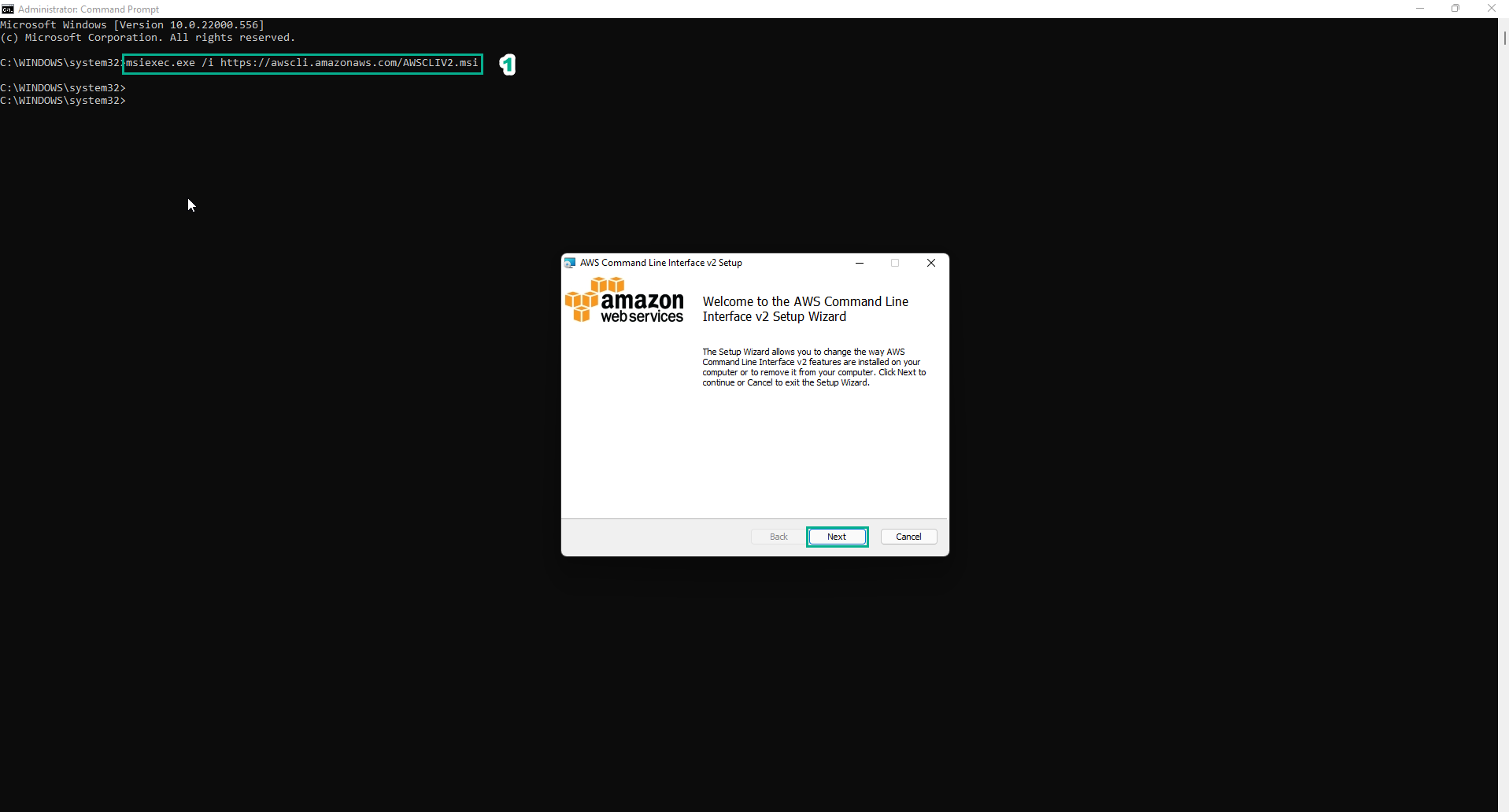
Alternatively, you can run the command **msiexec** on Windows Command Promt to run the MSI installer.
msiexec.exe /i https://awscli.amazonaws.com/AWSCLIV2.msi
- To confirm the installation, open the Start menu, search for
cmdto open Windows Command Promt, use the command**aws --version**.
aws --version

If Windows cannot find the program, you may need to close and reopen the Windows Command Prompt to refresh the path or add the AWS CLI to your path.